

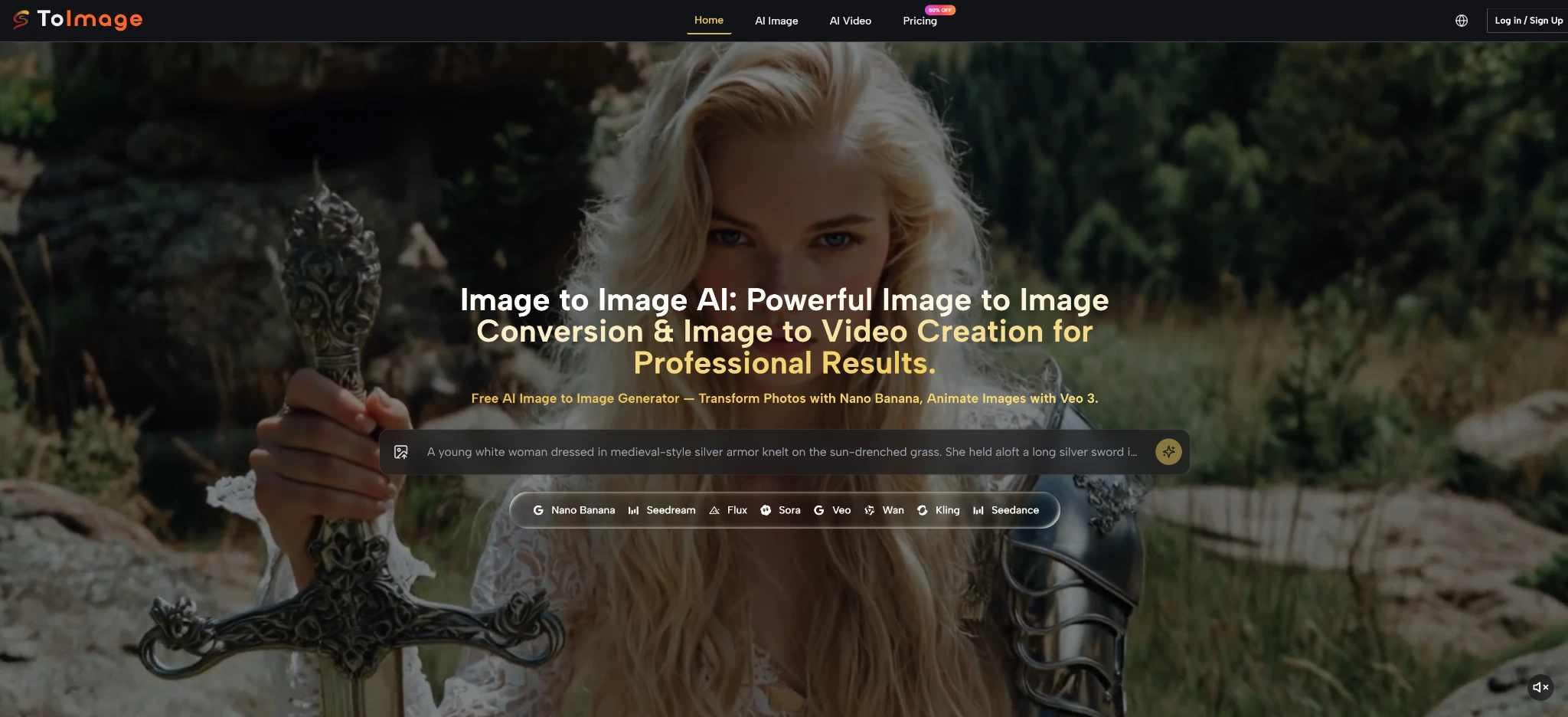
The way most teams produce visual content has quietly changed. A single campaign asset—a product photo, a brand illustration, a location shot—rarely stays in its original form. It becomes a social media version, an email header, a website hero, a presentation slide background, and increasingly, a short motion concept. The challenge is not creating that first image. The challenge is transforming it into all the other formats without losing its identity. Image to Image approaches this problem by treating the source image as an anchor that can be extended into multiple directions, including static variations and lightweight motion. The workflow is not about generating one spectacular output. It is about turning one existing visual into a family of usable assets.
Why the Source Image Matters More Than the Text Prompt
In text‑to‑image generation, the prompt is everything. There is no visual foundation, so the model must invent subject, composition, lighting, and style from words alone. That approach works well for exploration but poorly for precision. Image‑to‑image workflows invert this relationship. The uploaded source image provides the structural foundation, and the prompt acts as a directional guide rather than a generative blueprint. The subject’s pose, the framing, the spatial relationships, and many material qualities are already present before the user writes a single word. This inversion has practical consequences for teams that produce content at scale. Instead of rebuilding each asset from scratch, they start from a known visual and direct the AI toward different interpretations. The same source image can generate a clean editorial crop, a stylized illustration version, a video clip, and a social media adaptation without losing the core visual identity.
The Continuity That Matters for Brand Work
Brand consistency requires more than similar colors. It requires recognizable subjects, consistent proportions, and repeatable visual treatments. A platform that loses the source image’s identity after one generation cannot support brand‑scale work. The structure of this platform suggests an awareness of that constraint. By keeping the source image as the persistent reference across all generations and model switches, it encourages workflows where the original asset remains the anchor rather than becoming disposable after one use. This matters for anyone who needs to generate multiple outputs that share a visual thread.
A Three‑Step Workflow for Asset Extension
The platform’s core interaction is short enough to support rapid iteration but structured enough to maintain continuity across different output types.
Step One: Upload the Source Image
The Anchor That Stays Fixed Across All Extensions
The user uploads a source image from their device. This can be a professional product photo, a rough brand sketch, a location scout shot, or any existing visual that contains the necessary subject and framing. The platform retains this image in a fixed panel throughout the session. Changing the output direction—from a static variation to a motion clip—does not require re‑uploading the source. The anchor remains constant.
Step Two: Describe the Intended Transformation or Extension
The Prompt Directs the Output Without Over‑Specifying
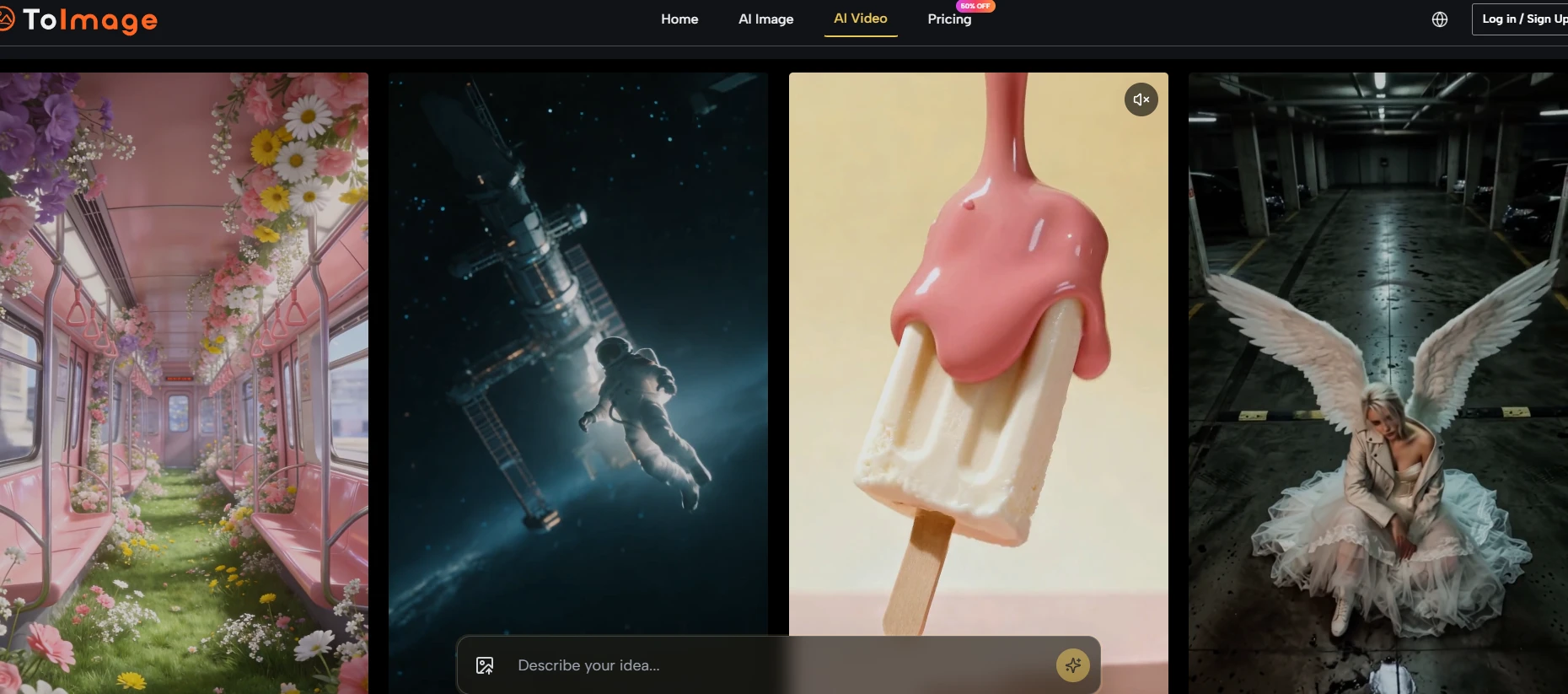
The user writes a short instruction that describes what should be different in the output. For static variations, the prompt might request a background change, a lighting adjustment, or a style transfer. For motion extensions, the prompt describes the desired movement—a camera pan, an object animation, or an atmospheric shift. The platform treats both types of requests within the same prompt‑and‑generate loop, which means a user can move from static to video without learning a separate interface.
Step Three: Select a Model and Generate the Output
Model Choice Determines the Output Type
The model selector includes pathways for different output types. Some models are surfaced for static image transformation with an emphasis on realism or composition preservation. Others are associated with image‑to‑video capabilities, turning a still image into a short motion clip. The user selects the model that matches the intended output type, clicks generate, and receives the result. If the output does not match expectations, the user can refine the prompt, switch to a different model, or adjust the source image and generate again.
Comparing Asset Extension Workflows Across Platform Types
The table below compares how different platform approaches handle the transition from a single source image to multiple output types. The comparison is based on observable workflow patterns rather than claimed capabilities.
|
Capability Dimension |
ToImage AI Workflow |
Text‑to‑Image Platforms |
Dedicated Video AI Tools |
|
Source image role |
Persistent anchor for both static and motion outputs |
No source anchor; all generation starts from text |
Requires separate upload for video generation |
|
Static‑to‑video transition |
Same prompt panel and interface; model switching changes output type |
Not applicable; video generation is a separate tool |
Dedicated video interface; different workflow |
|
Output family continuity |
High; same source image can generate multiple static and motion outputs |
Low; each static output is independent |
Variable; depends on whether source image is used as reference |
|
Learning curve for video |
Low; interface and prompt behavior mirror static generation |
N/A |
Medium to high; video prompt syntax often differs |
|
Best use case |
Brand campaigns requiring static plus motion from the same source asset |
General exploration without existing visual constraints |
Standalone video production from scratch |
What the Platform Does Not Promise About Motion
Image‑to‑video capabilities in any platform should be understood with realistic expectations. Generating motion from a still image is a complex technical challenge, and the quality of the output depends on many factors beyond the platform’s control. The source image’s composition, the clarity of the motion prompt, the model’s behavior, and the complexity of the requested movement all influence the final result. The platform does not claim that every image‑to‑video generation will produce broadcast‑ready footage. Motion outputs are best understood as concept clips, mood extensions, or lightweight social assets rather than replacements for professional video production. Users who require high‑precision motion, long durations, or complex scene animation should not rely solely on AI image‑to‑video tools. The feature adds value within a broader content pipeline, but it does not replace dedicated video production workflows.
Who Benefits from an Image‑to‑Image Workflow with Video Extension
Marketing teams running cross‑channel campaigns benefit most from a platform that can extend a single asset across multiple formats. A product launch might require a static hero image for the website, stylized variations for social media, and a short motion clip for an ad placement. Doing this work across three separate tools fragments the workflow and increases the risk of visual inconsistency. Brand teams managing recurring content—such as seasonal campaigns, product refreshes, or ongoing social series—value the ability to reuse approved source images as anchors for multiple output types. Freelance creators who produce both static and motion content for clients appreciate having both capabilities in a single interface. Individual creators exploring how their still images might move also find value in the image‑to‑video feature, even if the outputs are not production‑final. For teams that produce only static images and have no need for motion, the video extension may be irrelevant. But for anyone who looks at a still image and wonders how it might move, having that capability within the same Image to Image AI workflow reduces tool switching and keeps the creative thread intact.


